
Your Kindle, one click away
Send any webpage, document, ebook, or YouTube video to your Kindle in one click. The easiest way to upload and read on Kindle.
 Add to Chrome — it's free
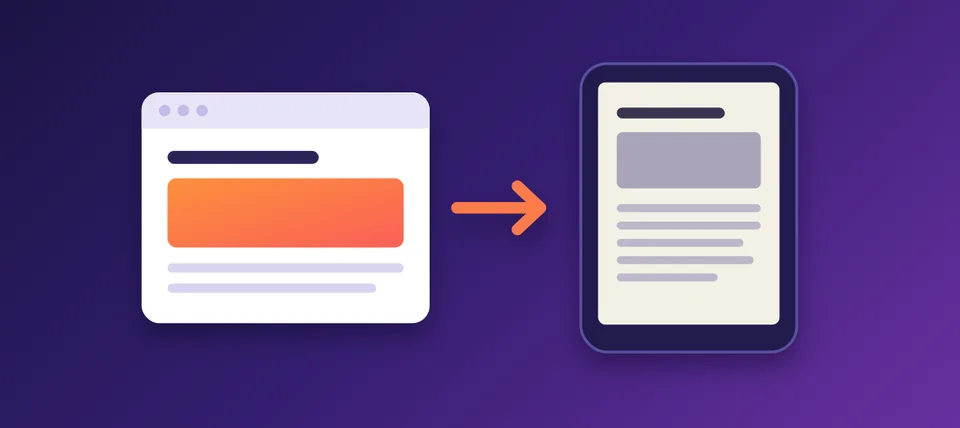
Want to enjoy your favorite books, documents, articles, and even YouTube videos on your Amazon e-reader? This Chrome extension makes it easy to transfer files and turn online video content into digital books. Convert a YouTube tutorial, save an interesting article, or send your favorite ebook directly to your device. Keep all your favorite content in one convenient place!
Upload any file
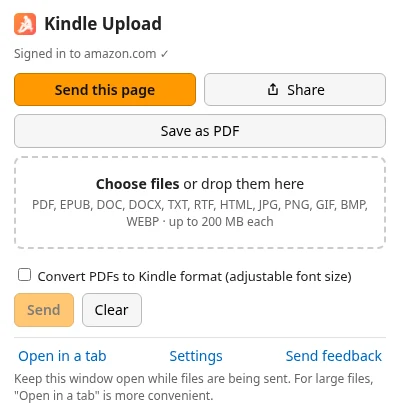
Drop PDF, EPUB, Word, text files or images into the popup and they land in your Kindle library. WebP pictures are converted automatically.
PDF, EPUB, DOC, DOCX, TXT, RTF, HTML, JPG, PNG, GIF, BMP, WEBP · up to 200 MB each
Clean web articles
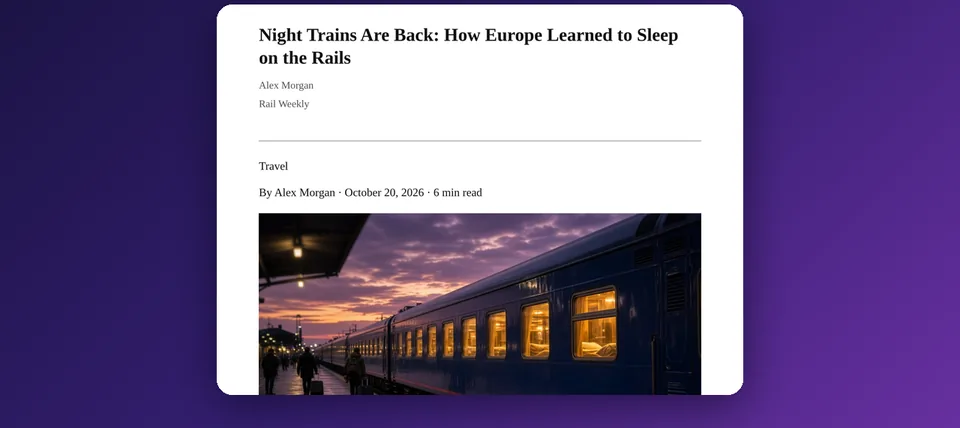
Send the page you are reading as a tidy ebook: ads and menus removed, with its images, a cover and a table of contents.
YouTube videos become books
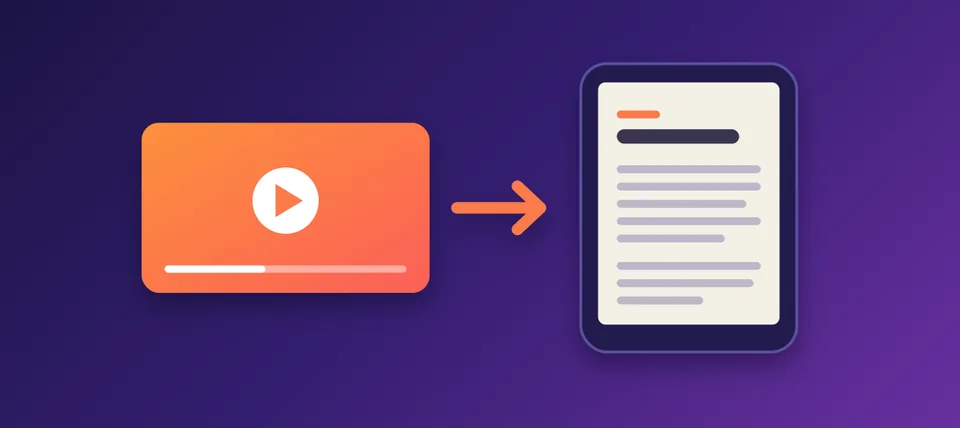
Turn a video's subtitles into a book with chapters, frames from the video and a QR code that links back to it.
Private by design
Books are made on your computer and go only to your own Amazon account. No password, no email, no tracking.
Frequently Asked Questions
How to upload books to Kindle?
Select a compatible ebook or document, use the extension to upload it, and send it to your device. Your content will become available once the transfer is complete.
How do I upload a PDF to Kindle?
Choose your PDF file, upload it through the extension, and send it to your device. You can then access the document on your e-reader.
How to upload EPUB to Kindle?
Select your EPUB book and use the extension to transfer it. The extension simplifies the process of preparing your ebook for your device.
Can I convert YouTube videos into Kindle books?
Yes! You can convert supported YouTube video content into text and prepare it as a document for your digital library. This is useful for lectures, tutorials, interviews, and educational content.
Can I send personal documents to Amazon Kindle?
Yes. You can use the extension to upload supported personal files and send them to your device.
Is this extension useful for studying?
Absolutely. Turn educational videos, online lessons, research materials, and PDF documents into convenient digital resources that you can access on your e-reader.